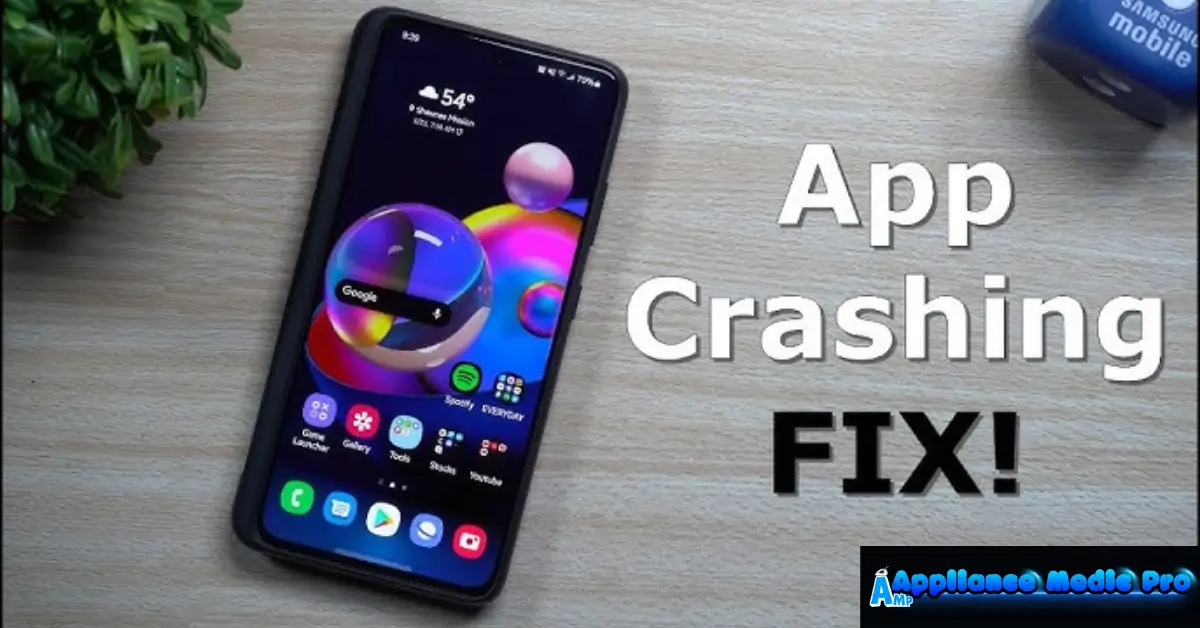
A smart appliance app crashing can prevent you from controlling or monitoring your appliance, even when the appliance itself works fine. At Appliance Medic Pro, we often find that app crashes are caused by software conflicts, updates, or phone settings, not appliance failure.
Most issues can be resolved without replacing any parts.
Common Reasons a Smart Appliance App Keeps Crashing
1. Outdated App Version (Most Common)
If the app isn’t updated:
-
It may conflict with phone OS updates
-
Bugs remain unfixed
-
Crashes happen during startup or login
2. Phone Operating System Compatibility Issues
After phone updates:
-
Older app versions may stop working
-
Permissions may reset
-
Background services may be blocked
This is extremely common after major iOS or Android updates.
3. Corrupted App Cache or Data
App data can become corrupted due to:
-
Interrupted updates
-
Network errors
-
Storage issues
This causes freezing or sudden crashes.
4. Poor Internet Connection
Unstable Wi-Fi or mobile data can:
-
Interrupt cloud communication
-
Cause timeouts
-
Force the app to close
5. Account or Login Sync Errors
If account authentication fails:
-
The app may crash at login
-
Devices may not load properly
6. Manufacturer Server Issues
When servers are down:
-
Apps may crash or fail to load
-
Devices show errors or disappear
This is outside the homeowner’s control.
Step-by-Step Fixes You Can Try
✅ Update the app to the latest version
✅ Restart your phone
✅ Clear app cache (Android)
✅ Reinstall the app (best fix)
✅ Check app permissions (Wi-Fi, Bluetooth, location)
✅ Log out and log back in
✅ Switch between Wi-Fi and mobile data
❌ Don’t repeatedly reset the appliance
❌ Don’t ignore phone OS updates
❌ Don’t assume the appliance is broken
When Reinstalling the App Works Best
From real technician experience:
-
Fixes corrupted files
-
Resets permissions
-
Re-establishes cloud connections
You may need to reconnect your appliance afterward.
When the Problem Is Not the App
Less common but possible:
-
Faulty Wi-Fi module in the appliance
-
Firmware mismatch
-
Control board communication errors
Professional diagnosis is needed in these cases.
When to Call Appliance Medic Pro
Call us if:
-
App crashes after reinstall
-
Appliance won’t reconnect
-
Smart features stop working entirely
-
Multiple devices are affected
We’ll determine whether it’s a software, network, or hardware issue.
Typical Repair Costs (Guidance)
Approximate ranges:
-
Diagnostic service: $120–$200
-
Wi-Fi module replacement: $200–$450
-
Control board replacement: $300–$800
Most app issues are resolved without hardware replacement.
How to Prevent App Crashing Issues
From expert experience:
-
Enable automatic app updates
-
Keep phone OS updated
-
Use stable Wi-Fi networks
-
Avoid force-closing apps frequently
-
Restart phone weekly
Frequently Asked Questions
Q: Why does my smart appliance app crash when opening?
A: Usually due to outdated app versions or corrupted cache.
Q: Will reinstalling the app erase my appliance settings?
A: It may require reconnecting, but appliance data is usually stored in the cloud.
Q: Can an app crash mean my appliance is broken?
A: Rarely. It’s almost always a software or network issue.