Many homeowners experience a frustrating issue where their GE oven stays on “preheat” and never reaches the set temperature. When this happens, the oven may keep heating but never signal that it’s ready for cooking.
This problem can affect baking performance and usually indicates a sensor or heating issue inside the oven.
In this guide, we’ll explain why a GE oven gets stuck on preheat and how to fix it.
Why Your GE Oven Gets Stuck on Preheat
Several components must work correctly for an oven to reach the desired temperature. If one fails, the oven may remain in the preheating stage.
Faulty Oven Temperature Sensor
The temperature sensor monitors the heat level inside the oven. If it stops working properly, the control board cannot detect when the oven reaches the set temperature.
Common symptoms include:
-
Oven stuck on preheat
-
Incorrect temperature readings
-
Uneven cooking results
Replacing the temperature sensor usually fixes the problem.
Weak Heating Element
Electric ovens rely on heating elements to generate heat. If one of the elements becomes weak or partially damaged, the oven may struggle to reach the correct temperature.
Signs of a faulty heating element include:
-
Slow heating
-
Uneven baking
-
The oven never finishes the preheat cycle
Faulty Igniter (Gas Ovens)
Gas ovens use an igniter to light the burner. If the igniter becomes weak, it may fail to produce enough heat to reach the target temperature.
This can cause the oven to stay in preheat mode for a long time.
Control Board Malfunction
The electronic control board manages oven temperature and signals when preheating is complete. If the board malfunctions, it may prevent the oven from recognizing when the correct temperature is reached.
Door Seal Problems
A worn or damaged oven door gasket can allow heat to escape. This makes it difficult for the oven to reach the selected temperature.
If heat keeps escaping, the oven may continue preheating indefinitely.
How to Fix a GE Oven Stuck on Preheat
Before calling a technician, try these simple troubleshooting steps.
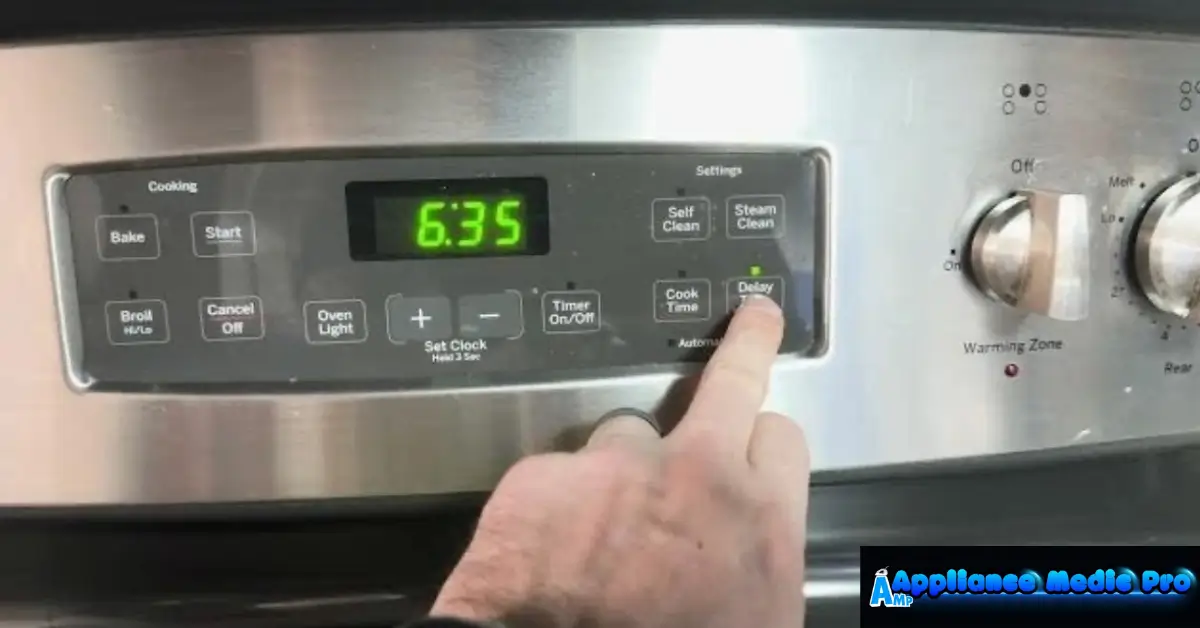
Reset the Oven
Sometimes a temporary electronic glitch can cause the issue.
Steps to reset:
-
Turn off the oven.
-
Unplug it or switch off the circuit breaker.
-
Wait about 5 minutes.
-
Restore power and test the oven again.
Check the Heating Elements
Look inside the oven while it is preheating.
If the heating element is not glowing red, it may be damaged and require replacement.
Inspect the Temperature Sensor
Make sure the sensor inside the oven cavity is not touching the wall or bent.
A damaged sensor should be replaced.
Check the Door Seal
Inspect the rubber gasket around the oven door.
If it appears cracked or loose, replacing it can help the oven maintain proper temperature.
How Long Should an Oven Take to Preheat?
Most ovens should preheat in about:
-
10–15 minutes for 350°F (177°C)
-
Slightly longer for higher temperatures
If preheating takes much longer, there may be a problem with the heating system.
Tips to Prevent Oven Heating Problems
To keep your oven working efficiently:
✔ Avoid slamming the oven door
✔ Keep the oven interior clean
✔ Check heating elements regularly
✔ Inspect door seals for damage
✔ Schedule periodic appliance maintenance
Regular maintenance helps prevent temperature problems.
When to Call an Appliance Technician
You may need professional repair if:
-
The oven never finishes preheating
-
Heating elements are not working
-
Temperature is extremely inaccurate
-
The control panel shows error codes
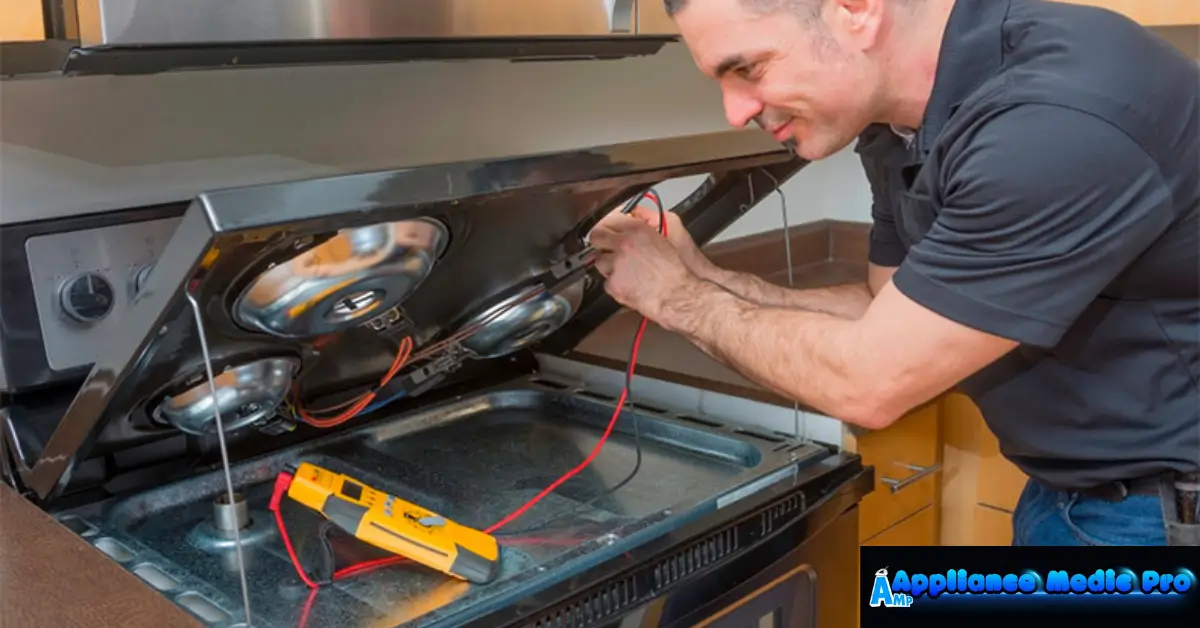
A technician can diagnose electrical components and restore proper oven performance.
Frequently Asked Questions
Why does my GE oven stay on preheat?
The most common reasons are a faulty temperature sensor, a weak heating element, or a control board issue.
Can a bad sensor cause preheat problems?
Yes. The sensor tells the oven when the correct temperature is reached. If it fails, the oven may stay in preheat mode.
How do I know if my oven sensor is bad?
Signs include incorrect temperature readings, uneven cooking, or the oven staying on preheat.