Smart appliance error alerts are designed to warn you before a small issue becomes a major failure. At Appliance Medic Pro, we often find that customers ignore alerts because the appliance still runs — but many alerts indicate hidden problems that worsen over time.
Understanding these alerts helps protect your appliance and avoid expensive repairs.
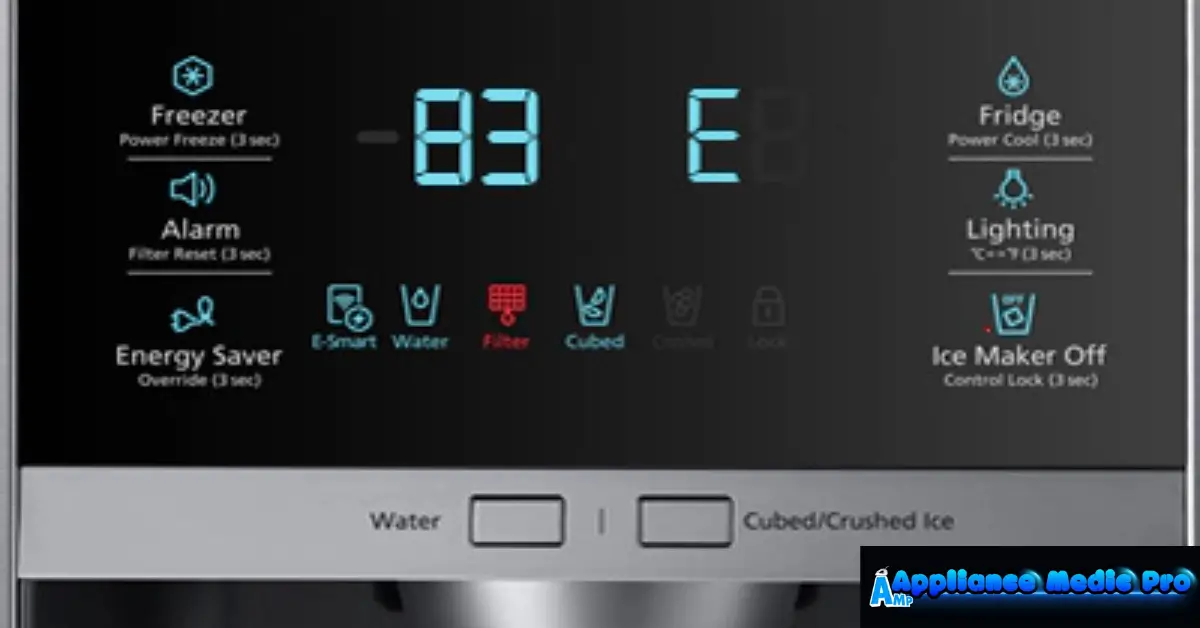
What Are Smart Appliance Error Alerts?
Error alerts are:
-
Notifications are sent to your phone or appliance display
-
Generated by internal sensors and control boards
-
Used to report performance, safety, or communication issues
Alerts may appear as:
-
Error codes (E1, F3, OE, etc.)
-
Push notifications
-
Warning messages in the app
Most Common Smart Appliance Error Alerts
1. Communication or Connectivity Errors
These alerts appear when:
-
Wi-Fi connection is lost
-
Cloud servers are unreachable
-
App sync fails
Often temporary, but repeated alerts signal network instability.
2. Sensor Error Alerts
Triggered by faulty or dirty sensors, including:
-
Temperature sensors
-
Water level sensors
-
Door or lid switches
Sensor errors can cause incorrect operation.
3. Water Supply or Drain Errors
Common in washers and dishwashers:
-
Low water pressure
-
Clogged filters
-
Drain pump restrictions
These alerts should never be ignored.
4. Overheating or Temperature Alerts
Found in:
-
Dryers
-
Ovens
-
Refrigerators
From technician experience, these alerts often prevent fire or component damage.
5. Motor or Mechanical Error Alerts
Triggered when:
-
Motor struggles or stalls
-
Excessive resistance is detected
-
The appliance becomes unbalanced
These usually worsen if use continues.
What You Should Do When You Get an Error Alert
✅ Check the app or manual for code meaning
✅ Restart the appliance once (power cycle)
✅ Inspect filters, doors, and connections
✅ Ensure proper power and water supply
❌ Don’t repeatedly reset the appliance
❌ Don’t ignore recurring alerts
❌ Don’t bypass safety warnings
When Error Alerts Mean Immediate Service Is Needed
Call Appliance Medic Pro immediately if:
-
Alert repeats after reset
-
A burning smell or heat is present
-
Appliance shuts down mid-cycle
-
Water leaks occur
-
Multiple error codes appear
Repeated alerts often indicate hardware failure.
Can Error Alerts Be False?
Sometimes — but rarely.
From real technician experience:
-
Temporary power surges can trigger alerts
-
Wi-Fi outages may cause false communication errors
-
Dirty sensors can misread conditions
If alerts keep returning, it’s not a false alarm.
Typical Repair Costs (Guidance)
Approximate ranges:
-
Sensor replacement: $120–$300
-
Control board repair/replacement: $250–$900
-
Motor-related repairs: $300–$1,200
Early service prevents higher costs.
How to Reduce Smart Appliance Error Alerts
From professional experience:
-
Keep firmware updated
-
Clean filters and sensors regularly
-
Maintain stable Wi-Fi
-
Use appliances as intended
-
Address minor alerts early
Frequently Asked Questions
Q: Can I keep using an appliance with an error alert?
A: Only if the alert clears and does not return. Repeated alerts mean service is needed.
Q: Why do smart appliances show more errors than older ones?
A: Smart appliances detect problems earlier — which is a benefit, not a flaw.
Q: Should I reset the appliance every time?
A: One reset is fine. Repeated resets can hide serious issues.