When a Smart Appliance Disconnecting WiFi, it can break automation, alerts, and remote control features. At Appliance Medic Pro, this issue is one of the most common smart-home complaints we service — and in most cases, it’s not a defective appliance, but a network stability problem.
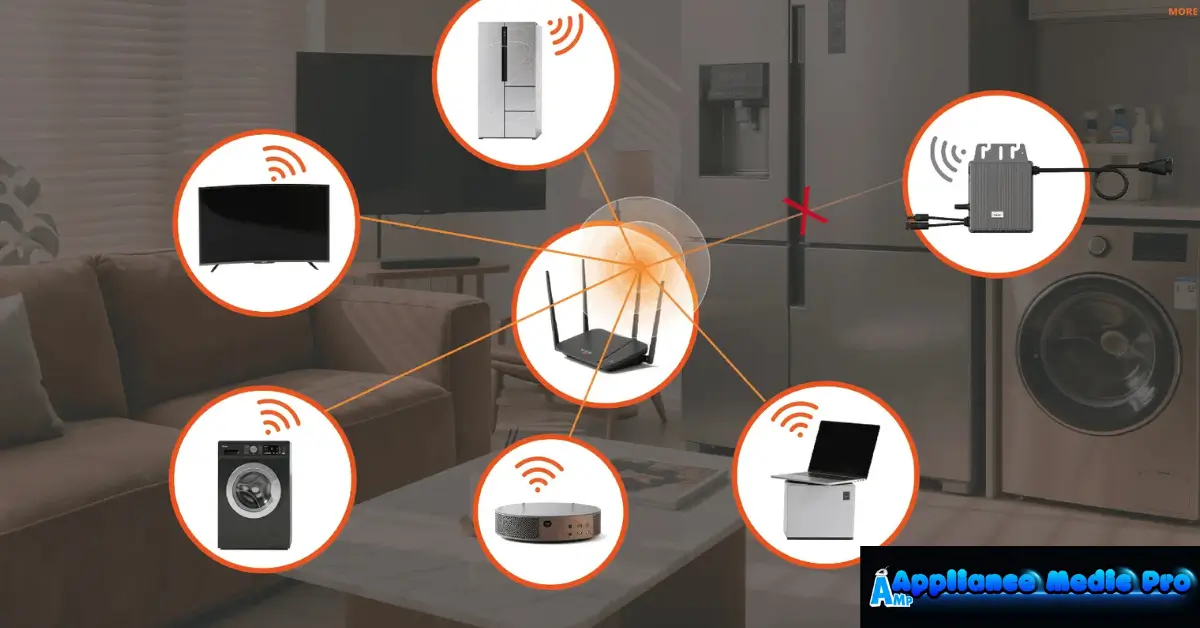
Why Smart Appliances Keep Losing WiFi
1. Weak WiFi Signal (Most Common)
Smart appliances often sit behind:
-
Metal cabinets
-
Concrete or brick walls
-
Large appliances that block signals
Weak signals cause repeated dropouts.
2. Router Switching Between 2.4 GHz and 5 GHz
Most smart appliances:
-
Only supports 2.4 GHz WiFi
-
Lose connection when routers auto-switch bands
This causes frequent disconnect/reconnect loops.
3. Router Overload or Aging Hardware
Older routers may struggle with:
-
Multiple connected devices
-
Smart home traffic
-
Firmware instability
We see this often in homes with many smart devices.
4. Power Interruptions or Voltage Fluctuations
Brief power drops can:
-
Reset WiFi modules
-
Break authentication
-
Require manual reconnection
5. Outdated Firmware or App
Outdated software causes:
-
Cloud sync errors
-
Connection drops
-
App-to-appliance communication failures
6. Interference From Other Devices
Devices that interfere include:
-
Microwaves
-
Baby monitors
-
Cordless phones
-
Bluetooth hubs
Interference causes unstable WiFi connections.
Step-by-Step Fixes You Can Try
✅ Restart router and modem
✅ Ensure 2.4 GHz WiFi is enabled
✅ Disable “smart connect” or band steering
✅ Move router closer to appliance
✅ Use a WiFi extender or mesh system
✅ Update appliance firmware and app
✅ Power-cycle appliance (unplug 3–5 minutes)
❌ Don’t repeatedly reset the appliance
❌ Don’t ignore firmware updates
❌ Don’t assume the appliance is defective
When the Issue Is the Appliance Itself
Less common but possible causes:
-
Faulty WiFi module
-
Loose internal antenna
-
Control board software corruption
These require professional diagnostics.
When to Call Appliance Medic Pro
Call us if:
-
Appliance disconnects daily
-
Reconnection fails repeatedly
-
Other smart functions malfunction
-
Appliance is under warranty and needs service records
We identify whether it’s WiFi, router, or appliance hardware.
Typical Repair Costs (Guidance)
Approximate ranges:
-
Diagnostic service: $120–$200
-
WiFi module replacement: $200–$450
-
Control board replacement: $300–$800
Most cases are resolved without part replacement.
How to Prevent WiFi Disconnecting Issues
From real technician experience:
-
Use mesh WiFi in larger homes
-
Keep router firmware updated
-
Maintain strong 2.4 GHz coverage
-
Avoid placing routers near metal appliances
-
Use surge protection
Frequently Asked Questions
Q: Why does my smart appliance disconnect at night?
A: Routers often update or reboot automatically overnight.
Q: Can I force my appliance to stay on 2.4 GHz?
A: Yes — by creating a dedicated 2.4 GHz SSID.
Q: Is frequent WiFi disconnecting damaging the appliance?
A: No, but it affects performance and features.