A Smart appliance’s offline issue can stop remote control, notifications, and automation features from working. At Appliance Medic Pro, we see this issue frequently with smart refrigerators, washers, dryers, ovens, and dishwashers.
In most cases, the problem is network-related, not a failed appliance.
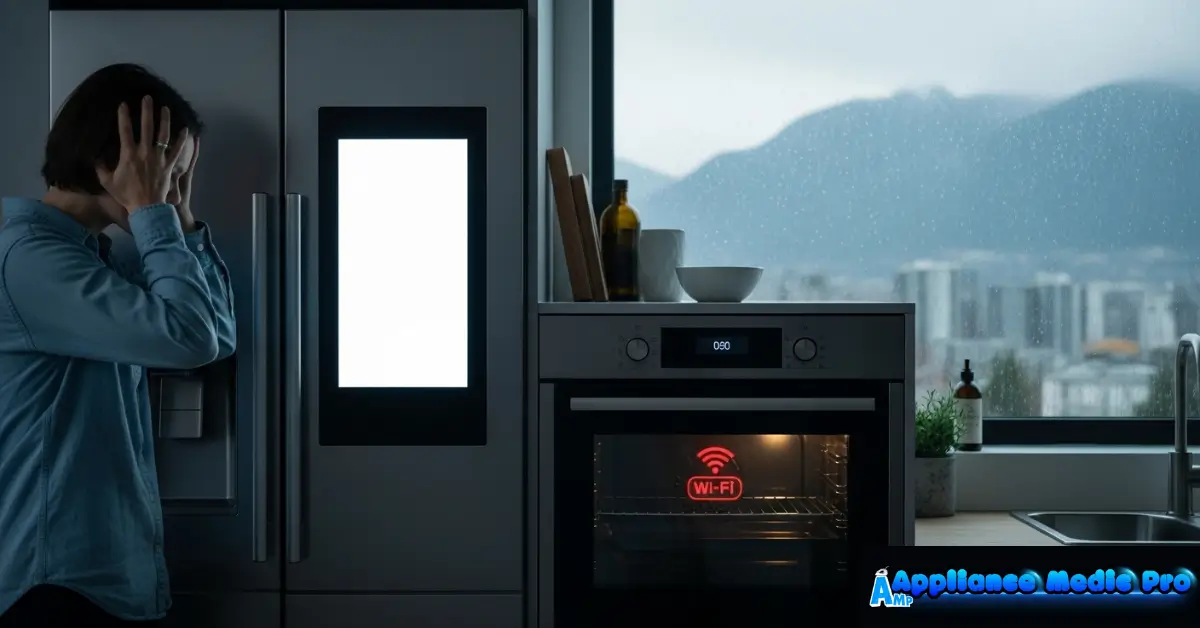
What “Offline” Means on a Smart Appliance
When an appliance shows offline, it means:
-
It has lost connection to Wi-Fi or the cloud server
-
The appliance itself usually still works manually
-
Remote control, alerts, and app features are disabled
Most Common Causes of Smart Appliance Offline Issues
1. Wi-Fi Connection Problems (Most Common)
Weak or unstable Wi-Fi causes:
-
Frequent disconnects
-
Delayed app updates
-
Offline status in the app
Common reasons:
-
Router too far away
-
Thick walls or metal appliances are blocking the signal
-
Network congestion
2. Router or Internet Outage
Temporary outages:
-
Disconnect appliances from cloud servers
-
Causes offline errors even when Wi-Fi appears connected
Restarting the router often resolves this.
3. 2.4 GHz vs 5 GHz Network Issues
Many smart appliances:
-
Require 2.4 GHz Wi-Fi
-
Cannot connect to 5 GHz networks
Dual-band routers sometimes auto-switch, causing disconnections.
4. App or Firmware Outdated
Outdated software can cause:
-
Sync errors
-
Server communication failures
-
Repeated offline status
We see this often after app updates.
5. Power Interruptions
Brief power outages can:
-
Reset network modules
-
Break Wi-Fi pairing
-
Require reconnection
6. Account or Cloud Service Issues
If the manufacturer’s server is down:
-
Appliances may show offline globally
-
No local fix is possible until service is restored
Step-by-Step Fixes You Can Try
✅ Restart your Wi-Fi router
✅ Power-cycle the appliance (unplug for 2–5 minutes)
✅ Movethe router closer or use a Wi-Fi extender
✅ Confirm 2.4 GHz network is enabled
✅ Update appliance firmware and mobile app
✅ Reconnect the appliance to Wi-Fi via the app
❌ Don’t reset the appliance repeatedly
❌ Don’t assume the appliance is broken
❌ Don’t ignore firmware updates
When the Problem Is NOT Wi-Fi
From technician experience, less common causes include:
-
Failed Wi-Fi control board
-
Antenna damage inside the appliance
-
Software corruption after updates
These require professional service.
When to Call Appliance Medic Pro
Call a professional if:
-
Appliance won’t reconnect after reset
-
The offline issue happens frequently
-
Other smart features malfunction
-
Appliance is under warranty and needs documentation
We can determine whether it’s a network issue or a hardware failure.
Typical Repair Costs (Guidance)
Approximate ranges:
-
Diagnostic service: $120–$200
-
Wi-Fi module replacement: $200–$450
-
Control board replacement: $300–$800
Often, simple network fixes avoid these costs.
How to Prevent Smart Appliance Offline Problems
From real-world experience:
-
Keep router firmware updated
-
Use mesh Wi-Fi for large homes
-
Maintain strong 2.4 GHz coverage
-
Update appliance software promptly
-
Avoid frequent power interruptions
Frequently Asked Questions
Q: Will the appliance still work when offline?
A: Yes. Manual operation usually still works.
Q: Why does my appliance keep going offline daily?
A: Weak Wi-Fi signal or router interference is the most common cause.
Q: Do smart appliances need the internet all the time?
A: For remote control and alerts, yes. Basic functions usually do not.
[…] Smart Appliance Offline Issues – Fixes […]
[…] Smart Appliance Offline Issue – Causes & Fixes […]
[…] Smart Appliance Offline Issue – Causes & Fixes […]
[…] Smart Appliance Offline Issue – What to Do […]