If your Smart washer is stuck updating, it can be frustrating—especially when laundry piles up. At Appliance Medic Pro, we’ve seen this issue become more common as washers rely on Wi-Fi, firmware updates, and cloud services.
Most update problems are software or connection-related, not mechanical failures.
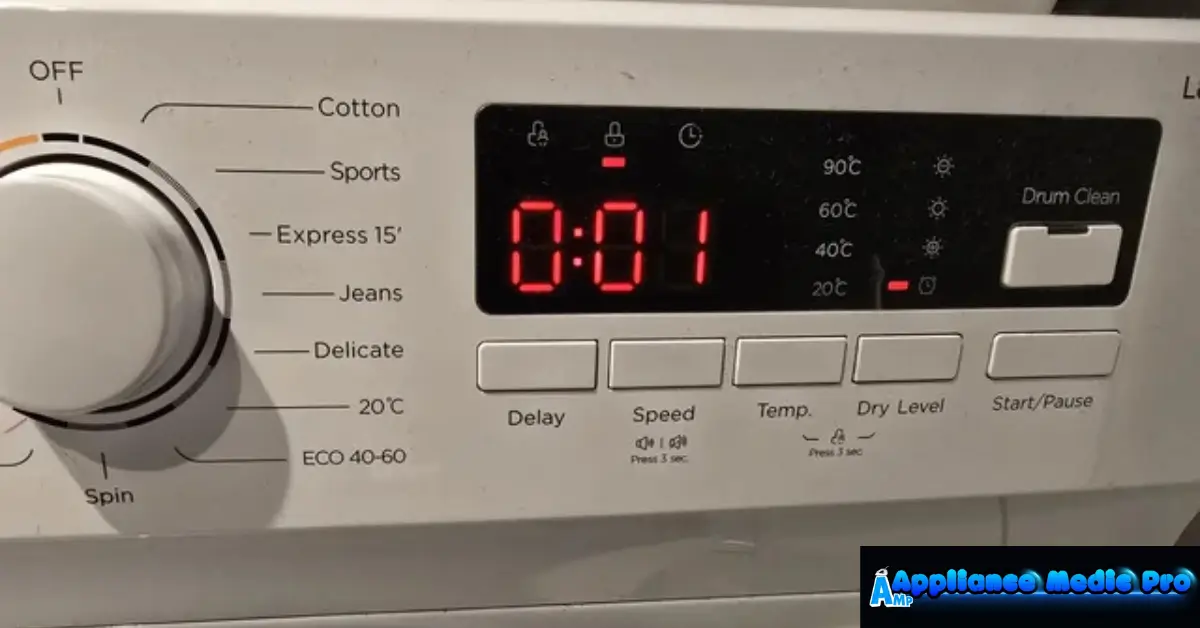
Why Smart Washers Get Stuck Updating
From real technician experience:
-
Interrupted internet connections
-
Power loss during updates
-
Corrupted firmware files
-
App or server communication errors
When updates fail, washers often lock themselves to prevent damage.
Common Causes of a Smart Washer Stuck Updating
1. Weak or Unstable Wi-Fi (Most Common)
Smart washers require:
-
Strong signal strength
-
Consistent connection during updates
Signal drops can freeze the update process.
2. Power Interruption During Update
If power cuts out:
-
Firmware can become corrupted
-
The washer may not complete boot-up
-
Controls may lock
3. Manufacturer Server Issues
Sometimes the problem isn’t your washer:
-
Cloud servers may be down
-
Updates may be paused or recalled
This happens more often than people realize.
4. App or Phone Software Conflicts
Outdated apps or phone OS issues can:
-
Interrupt communication
-
Cause incomplete update commands
5. Control Board Glitches
In rare cases:
-
Control boards fail to process updates
-
Internal memory errors occur
This usually requires professional service.
What You Should Try First (Safe Steps)
✅ Wait at least 30–60 minutes (some updates take time)
✅ Check Wi-Fi signal near the washer
✅ Restart your router
✅ Close and reopen the washer app
❌ Don’t unplug immediately during an update
❌ Don’t repeatedly press buttons
❌ Don’t force power cycles too early
Safe Reset Steps (If Update Is Frozen)
-
Turn the washer off
-
Unplug it for 5 minutes
-
Plug it back in
-
Power on and reconnect to Wi-Fi
-
Open the app and retry the update
If the washer restarts normally, the update may complete automatically.
When to Call Appliance Medic Pro
Contact a professional if:
-
The washer stays stuck for hours
-
Display won’t respond
-
Update fails repeatedly
-
The washer won’t start any cycle
-
Error codes appear after reset
Firmware failures can mimic control board issues.
Repair vs Replacement – What’s Typical?
| Issue | Solution |
|---|---|
| Wi-Fi/app problem | Reset & reconnect |
| Corrupted firmware | Firmware reflash |
| Failed control board | Board replacement |
| Older smart washer | Evaluate replacement |
Typical Repair Costs (Guidance)
Approximate ranges:
-
Software reset/service: $100–$200
-
Firmware reflash: $150–$300
-
Control board replacement: $300–$800
How to Prevent Update Problems
From technician experience:
-
Ensure strong Wi-Fi before updating
-
Avoid updates during storms
-
Keep appliance apps updated
-
Don’t interrupt updates once started
Frequently Asked Questions
Q: Can I skip smart washer updates?
A: Some updates are optional, but skipping required updates can limit functionality.
Q: Will unplugging damage the washer?
A: Unplugging during an active update can corrupt firmware—wait first.
Q: Is this a mechanical problem?
A: No. Most cases are software-related.