A Smart Fridge Cooling Issues can be frustrating, especially when the display shows everything is “normal.” At Appliance Medic Pro, we see smart refrigerator cooling problems caused by software, sensors, and traditional mechanical failures — often working together.
Understanding how smart fridges differ from standard models helps diagnose the issue faster.
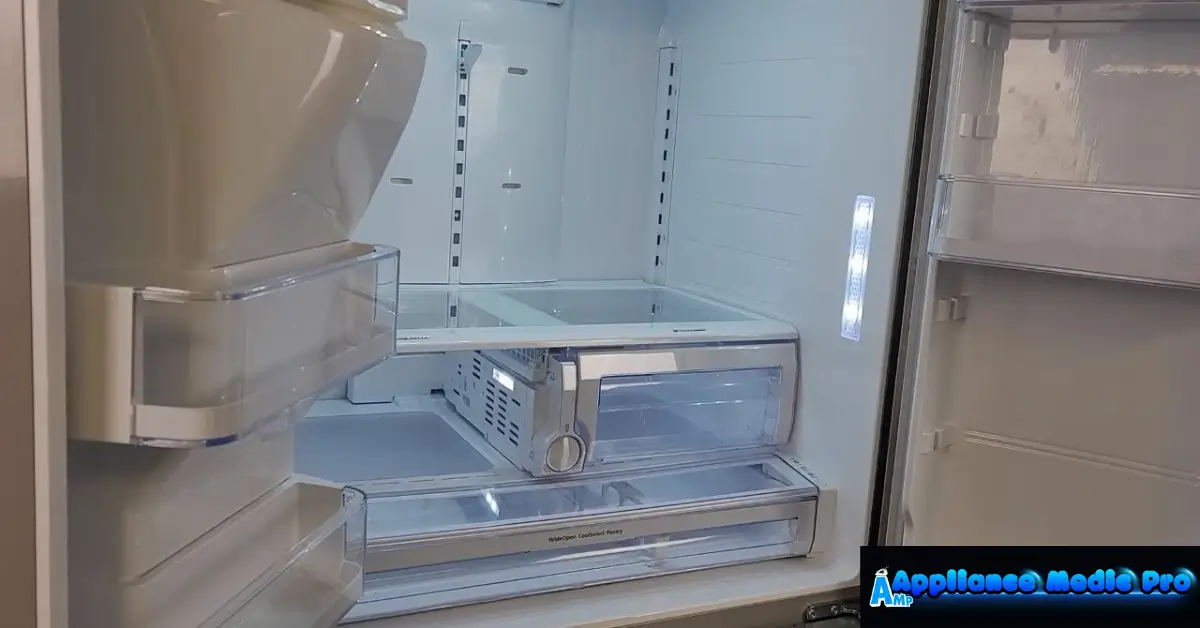
Why Smart Fridges Have Unique Cooling Problems
Smart refrigerators rely on:
-
Temperature sensors
-
Control boards
-
Wi-Fi modules
-
Adaptive cooling algorithms
When any of these fail or miscommunicate, cooling performance suffers — even if the compressor runs.
Common Smart Fridge Cooling Issues
1. Faulty Temperature Sensors (Most Common)
Bad sensors may:
-
Report incorrect temperatures
-
Delay compressor cycles
-
Causes uneven cooling
This often results in warm food despite the fridge “thinking” it’s cold.
2. Software or Firmware Glitches
Smart fridges may:
-
Freeze on outdated firmware
-
Misread sensor data
-
Require a reboot or update
From technician experience, a simple power reset solves many cases.
3. Control Board Failure
The main control board manages:
-
Compressor timing
-
Fan operation
-
Defrost cycles
Board issues can cause intermittent or weak cooling.
4. Evaporator Fan Not Running
If the fan isn’t circulating cold air, the freezer may be cold
-
The fridge section stays warm
Smart fridges may not always alert you to fan failure.
5. Defrost System Malfunction
Failed defrost heaters or sensors cause:
-
Ice buildup on evaporator coils
-
Restricted airflow
-
Gradual cooling loss
6. Wi-Fi or App-Related Errors
In some models:
-
App settings override physical controls
-
Remote changes affect temperature
-
Sync issues delay cooling responses
7. Traditional Mechanical Issues
Smart fridges still rely on:
-
Compressors
-
Condenser coils
-
Refrigerant
Dirty coils or low refrigerant reduce cooling efficiency.
What You Can Try First
✅ Power-cycle the fridge (unplug for 5 minutes)
✅ Check app and panel temperature settings
✅ Clean condenser coils
✅ Ensure vents aren’t blocked
✅ Check door seals for leaks
❌ Don’t ignore error codes
❌ Don’t overload shelves
❌ Don’t rely only on app readings
When to Call Appliance Medic Pro
Call a professional if:
-
Cooling doesn’t improve after a reset
-
Error codes appear repeatedly
-
Freezer cools, but fridge doesn’t
-
Ice buildup keeps returning. The fridge is under warranty (smart repairs need expertise)
Smart fridges often require specialised diagnostics.
Typical Repair Costs (Guidance)
Approximate ranges:
-
Sensor replacement: $150–$350
-
Control board repair: $300–$800
-
Fan motor replacement: $200–$450
-
Refrigerant repair: $400–$1,200
How to Prevent Smart Fridge Cooling Issues
From technician experience:
-
Keep firmware updated
-
Clean coils every 6 months
-
Avoid power surges (use a surge protector)
-
Don’t override temperatures frequently
-
Schedule annual inspections
Frequently Asked Questions
Q: Can software alone cause cooling failure?
A: Yes. Firmware glitches can delay or stop cooling cycles.
Q: Why does my smart fridge say it’s cold, butthe food is warm?
A: Faulty sensors or airflow issues are usually responsible.
Q: Are smart fridge repairs more expensive?
A: Often yes, due to electronics and specialised parts.
[…] Smart Fridge Cooling Issues – What to Check […]